
Description
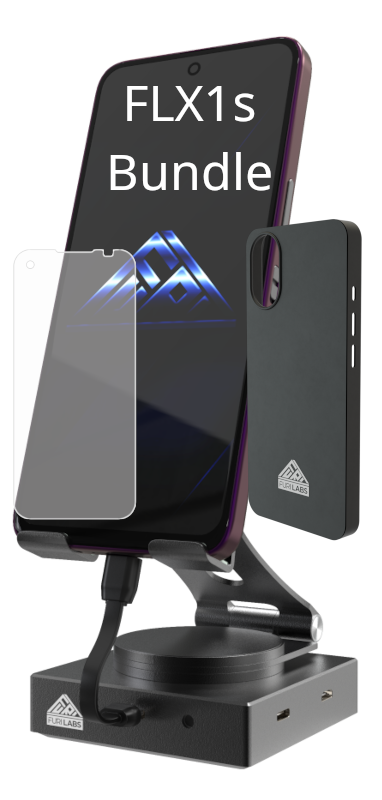
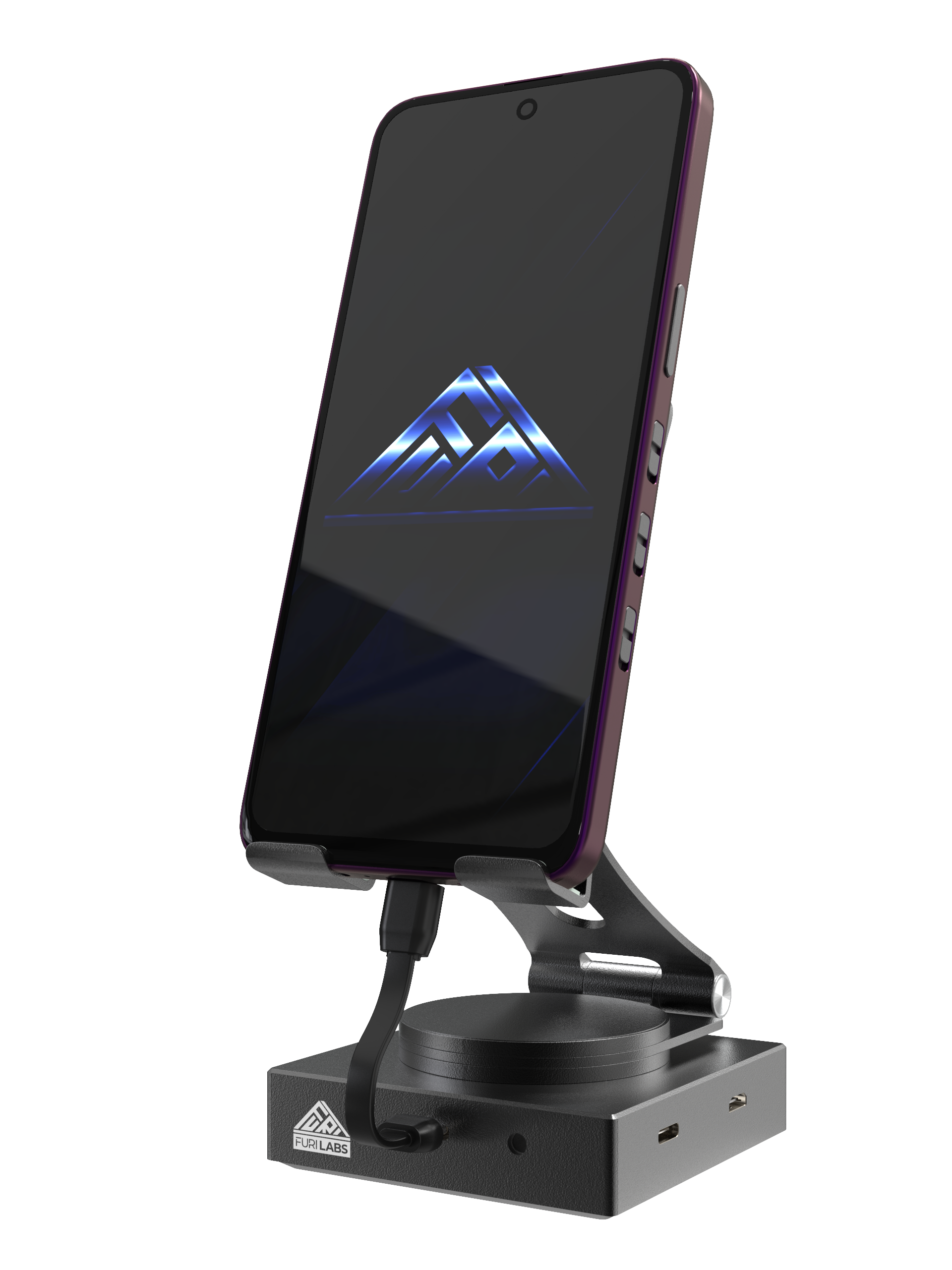
The Convergence Hub is powered by the hi-end DisplayLink DP-6950 chip. The Convergence Hub combines a single integrated phone stand with small USB-C host-to-hub cable supplied.
Look at the FLH1 demo here!
Using the Convergence Hub
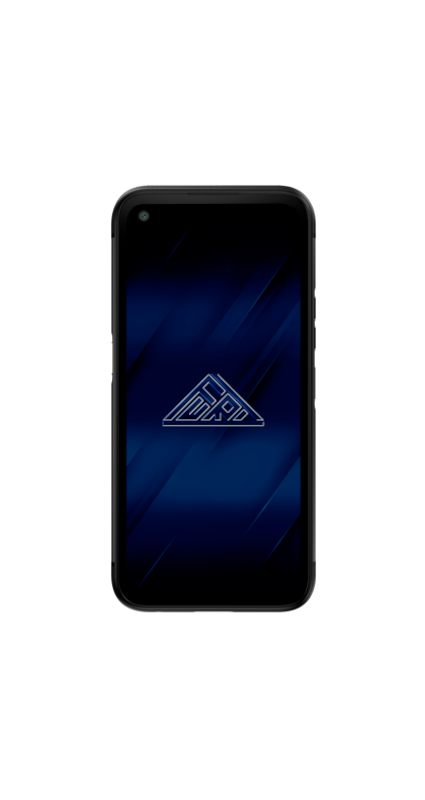
How does it work? You connect your FuriPhone (FLX1 or FLX1s) to the Hub via the supplied USB-C-to-USB-C cable.
You then connect a external display to your hub with a HDMI port.
Finally, you enable the display in the External Displays app and you have a full screen, GPU accelerated Linux Desktop to work on the big screen.
Note: The FLH1 does not come with a power supply but you can use your own USB-C to power the FLH1, via the PD port, to keep your FuriPhone charged at the same time.