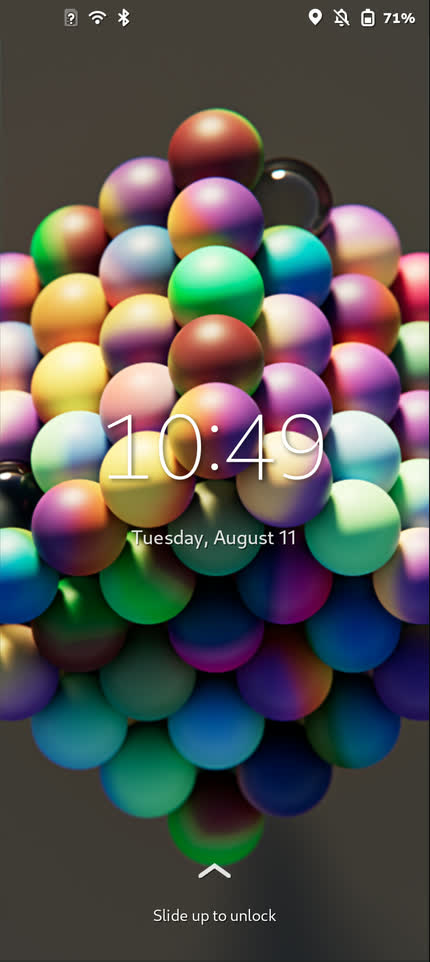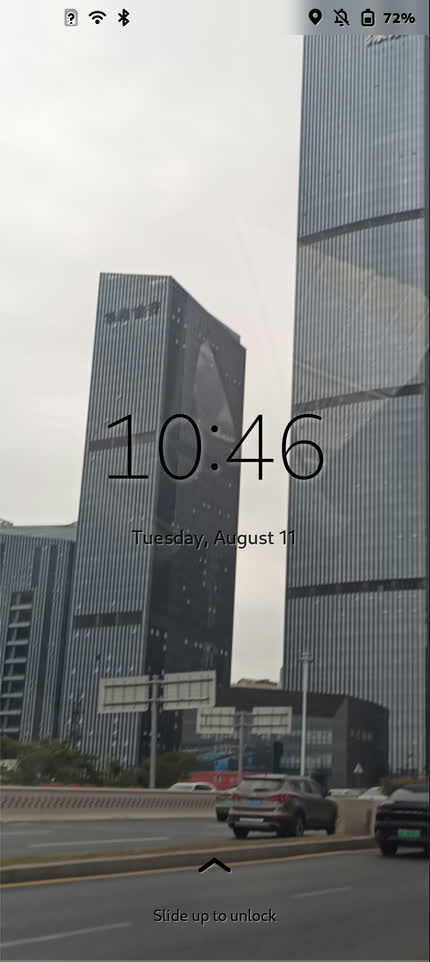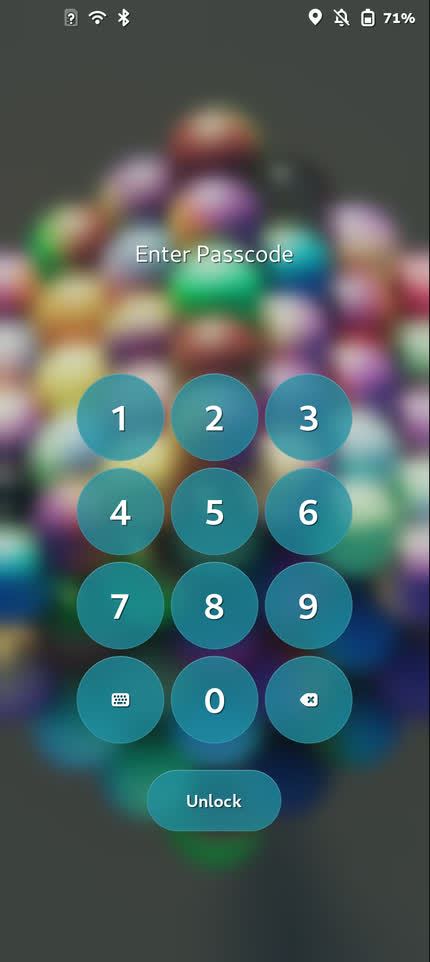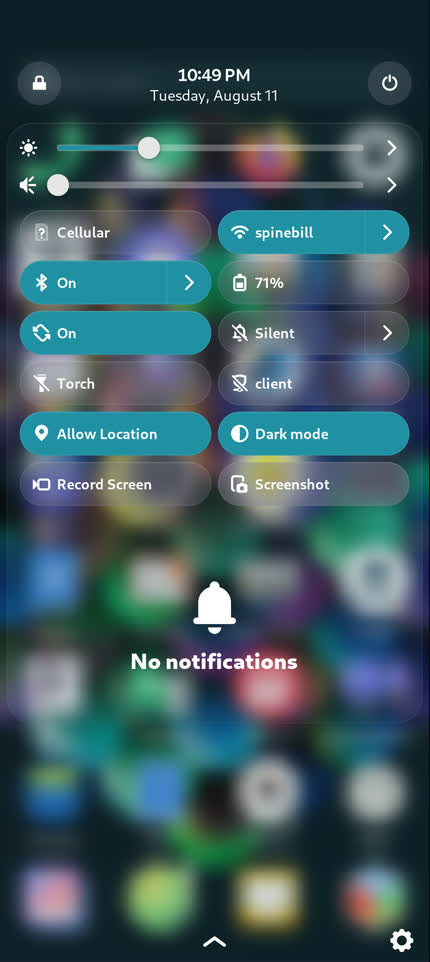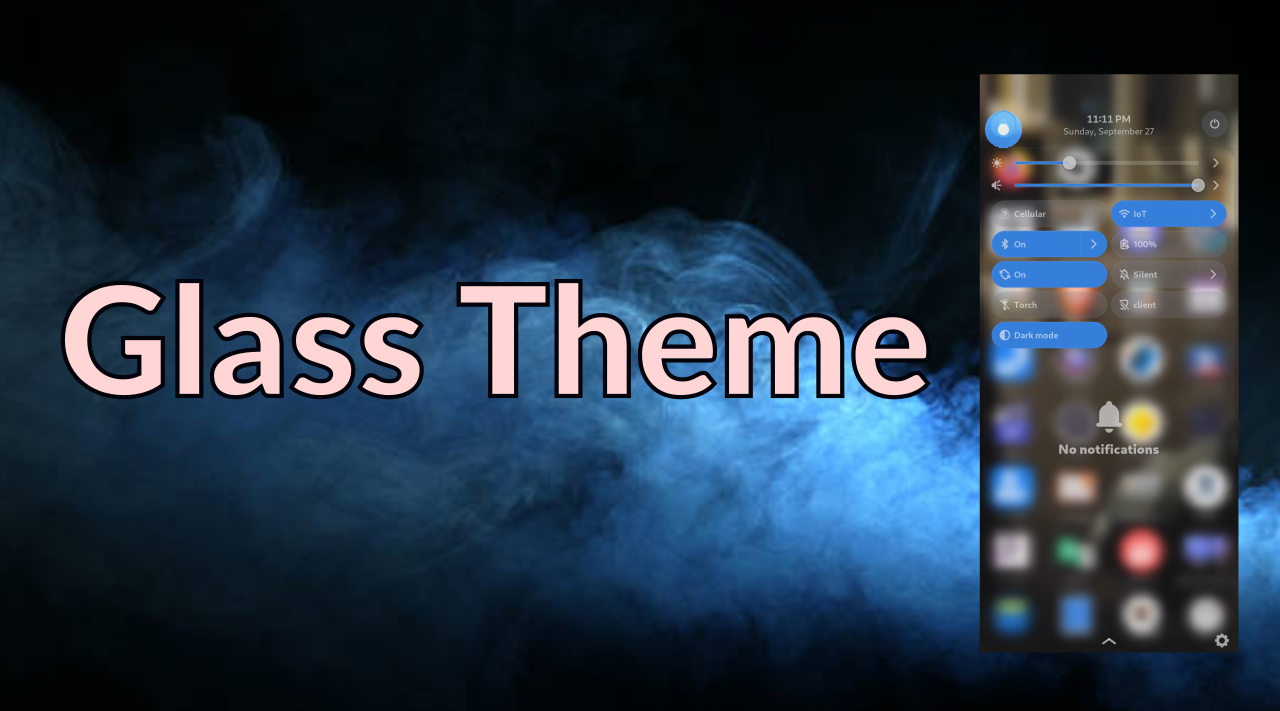
We're excited to introduce the FuriOS Glass Theme, a new visual experience that brings a fresh, modern look to your FuriPhone.
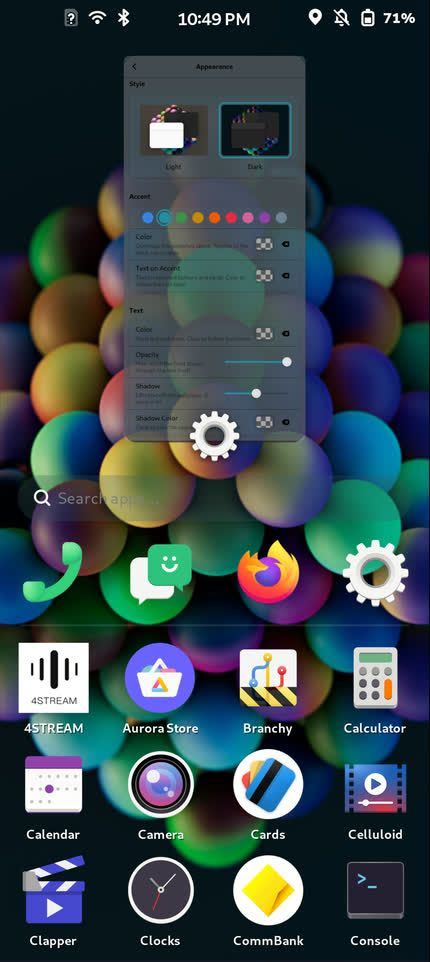
The Glass Theme introduces frosted glass effects throughout the interface, including the top bar, quick settings drawer, and lock screen. Instead of solid backgrounds, these elements now feature adjustable transparency and blur, allowing your wallpaper and open applications to remain subtly visible behind the interface. It's a simple change that makes the entire experience feel more polished and connected.
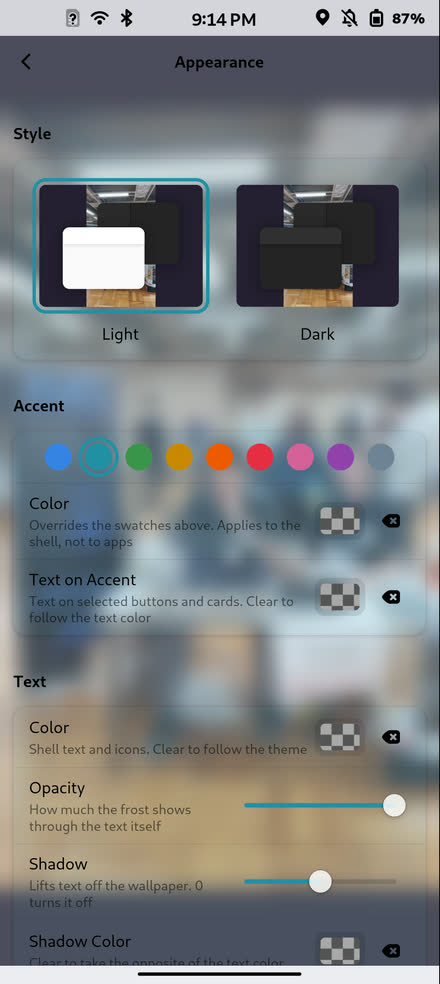
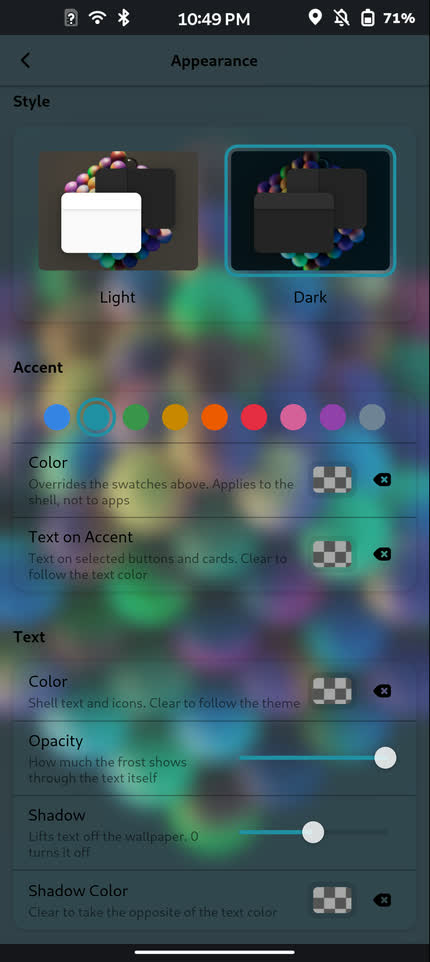
Personalization is a big part of this update. You can choose from nine predefined accent colours or enter your own custom hex colour to create a consistent look across the system and supported applications. Both light and dark modes are fully supported, so you can enjoy the new appearance whichever you prefer.
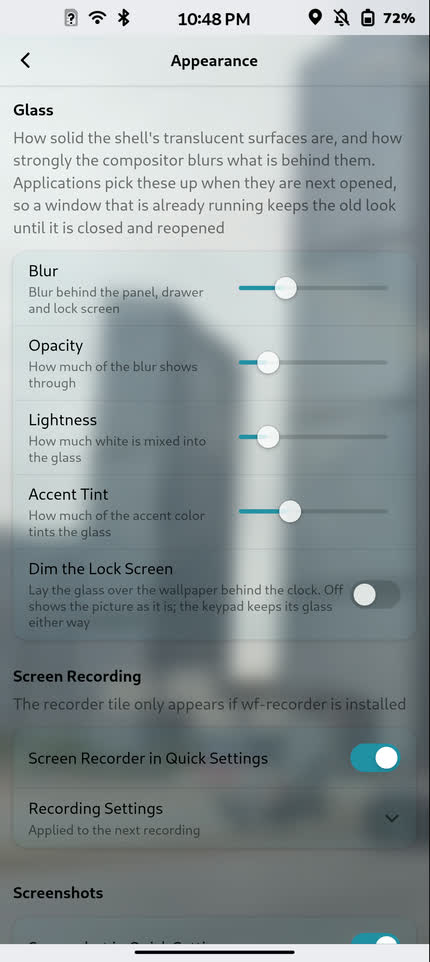
You'll find a dedicated Glass Theme switch under Settings → Appearance, along with controls for adjusting blur, transparency, and brightness. All changes are applied in real time, making it easy to experiment and find the look that works best for you. The theme is disabled by default, and you can switch back to the original appearance at any time.
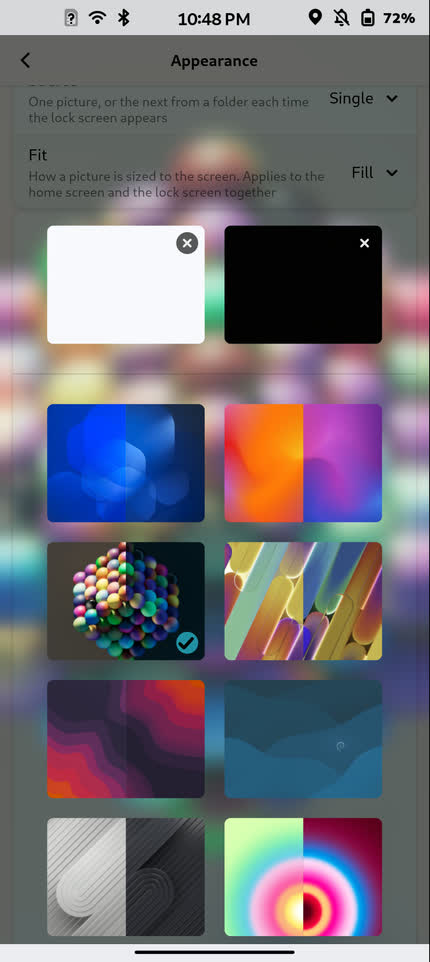
We've also added a new lock screen wallpaper rotation feature. Simply select a folder of your favourite images, and your FuriPhone will automatically cycle through them each time the lock screen appears. Whether it's your favourite photos, artwork, or wallpapers, it's a great way to keep your device feeling fresh and personal.
As always, everything is free and open source, built as part of FuriOS for the community to enjoy.